Better Auth vs Auth.js vs Auth0: Which One Should You Choose?
Feb 10, 2026
0
Picking an auth solution can feel like choosing a phone plan: everyone has an opinion, and the "best" one usually depends on what you actually need. I've used all three Better Auth, Auth.js, and Auth0 in different projects, and the right choice has never been the same twice.
This post breaks down what each does well, where they fall short, and when to reach for which. No fluff, just the stuff that helps you decide.
What Are We Comparing?#
Better Auth
Better Auth is a modern, open-source auth library for TypeScript/JavaScript apps. You run it yourself: your server, your database, your rules. It supports email/password, OAuth, magic links, and 2FA, and it plays nicely with React, Next.js, Svelte, and others.
- Self-hosted – You own the code and data.
- Framework-agnostic – Works with Next.js, Express, Hono, etc.
- TypeScript-first – Strong types and good DX.
- Flexible – Pluggable adapters for DB and session storage.
Auth.js
Auth.js (formerly NextAuth.js) is the go-to auth library for the Next.js ecosystem. It’s open source, supports many providers and databases via adapters, and fits naturally into the App Router and Server Components.
- Next.js native – Built with Next.js in mind (App Router, RSC).
- Huge provider list – Google, GitHub, Discord, custom OAuth, etc.
- Adapter ecosystem – Prisma, Drizzle, Mongoose, and more.
- Session strategies – JWT or database sessions.
Auth0
Auth0 is a managed identity platform (by Okta). You don’t run auth yourself; Auth0 hosts login UIs, user storage, and security features. You integrate via SDKs and APIs.
- Fully managed – No auth servers or DB to maintain.
- Enterprise-ready – SSO, MFA, anomaly detection, compliance.
- Hosted UI – Prebuilt login/signup and customizable Universal Login.
- Scales with you – From side projects to large orgs.
Benefits at a Glance#
Better Auth – Why Use It
- Full control – Your infra, your schema, no vendor lock-in.
- No per-user or per-MAU billing – Cost is just your server and DB.
- Simple mental model – Auth lives in your app; no external dashboard to learn.
- Easy to customize – Add fields, flows, or providers without fighting a black box.
- Good for – Startups, indie apps, and teams that want auth in their codebase.
Auth.js – Why Use It
- Zero config for common cases – Add Google/GitHub OAuth in minutes.
- Familiar in Next.js – Lots of examples and community content.
- Free and open source – No usage-based fees.
- Flexible sessions – JWT for stateless or DB for revocation and control.
- Good for – Next.js apps that need OAuth + optional email/password.
Auth0 – Why Use It
- No ops – Uptime, scaling, and security are Auth0’s job.
- Advanced features – MFA, brute-force protection, bot detection, compliance.
- Branded, customizable UI – Universal Login without building your own.
- Enterprise features – SSO, AD/LDAP, and identity governance.
- Good for – Products that need compliance, scale, or “auth as a service.”
How They Differ#
Pricing and Cost
- Better Auth – Free. You pay for hosting and database only.
- Auth.js – Free. Same story: your infra, your cost.
- Auth0 – Free tier (e.g. 7,500 MAU); then paid. Enterprise pricing for SSO and advanced features.
Where Auth Runs
- Better Auth & Auth.js – Logic runs in your app; you deploy and scale with your backend.
- Auth0 – Auth runs on Auth0’s infrastructure; you use their APIs and redirect to their (or embedded) UIs.
Customization and Lock-in
- Better Auth – High. Your code, your DB; you can change or replace it.
- Auth.js – High. Open source; adapters and callbacks give a lot of flexibility.
- Auth0 – Medium. Customizable via config and Rules/Actions, but you’re on their platform and data model.
Setup and Learning Curve
- Better Auth – Moderate. You wire routes and DB; docs are straightforward.
- Auth.js – Low for Next.js. Many “copy-paste and add provider” tutorials.
- Auth0 – Low initial setup; deeper features (Rules, Actions, SSO) take more time.
Which One Is Better?#
There isn’t a single “best” option. It depends on your constraints and goals.
Choose Better Auth when:
- You want everything in your repo and database.
- You’re cost-sensitive and don’t want per-user or per-MAU auth fees.
- You’re not tied to Next.js or want one auth approach across several frameworks.
- You’re fine owning auth code and infra.
Choose Auth.js when:
- You’re on Next.js and want the path of least resistance.
- You need OAuth + optional credentials, with a big provider list.
- You want an open-source stack and community-driven docs and examples.
- You’re okay with a Next.js–centric design.
Choose Auth0 when:
- You need a fully managed service and don’t want to run auth yourself.
- You need enterprise features (SSO, advanced MFA, compliance).
- You have budget for a paid identity product and want to move fast.
- You want a hosted, customizable login UI without building it.
Quick Comparison Table#
| Aspect | Better Auth | Auth.js | Auth0 |
|---|---|---|---|
| Hosting | Self-hosted | Self-hosted | Managed |
| Cost | Infra only | Infra only | Free tier, then paid |
| Next.js fit | Excellent | Excellent | Good (SDK) |
| OAuth providers | Many | Many | Many |
| Email/password | Yes | Yes (adapters) | Yes |
| Customization | High | High | Medium |
| Enterprise features | DIY | DIY | Built-in |
Conclusion#
Better Auth, Auth.js, and Auth0 solve the same problem in different ways: Better Auth and Auth.js keep auth in your stack (with Better Auth a bit more framework-agnostic, Auth.js very Next.js-friendly). Auth0 takes auth off your plate and gives you a full identity platform for a price.
For most side projects and startups, Auth.js (if you’re on Next.js) or Better Auth (if you want maximum control or use multiple frameworks) will be enough and won’t add a usage-based bill. When you need compliance, SSO, or “we don’t want to run auth,” Auth0 (or similar) starts to make sense.
Pick the one that matches how you want to own or not own auth, and you’ll be in good shape.🕺🏻
Keep Reading
Related Posts
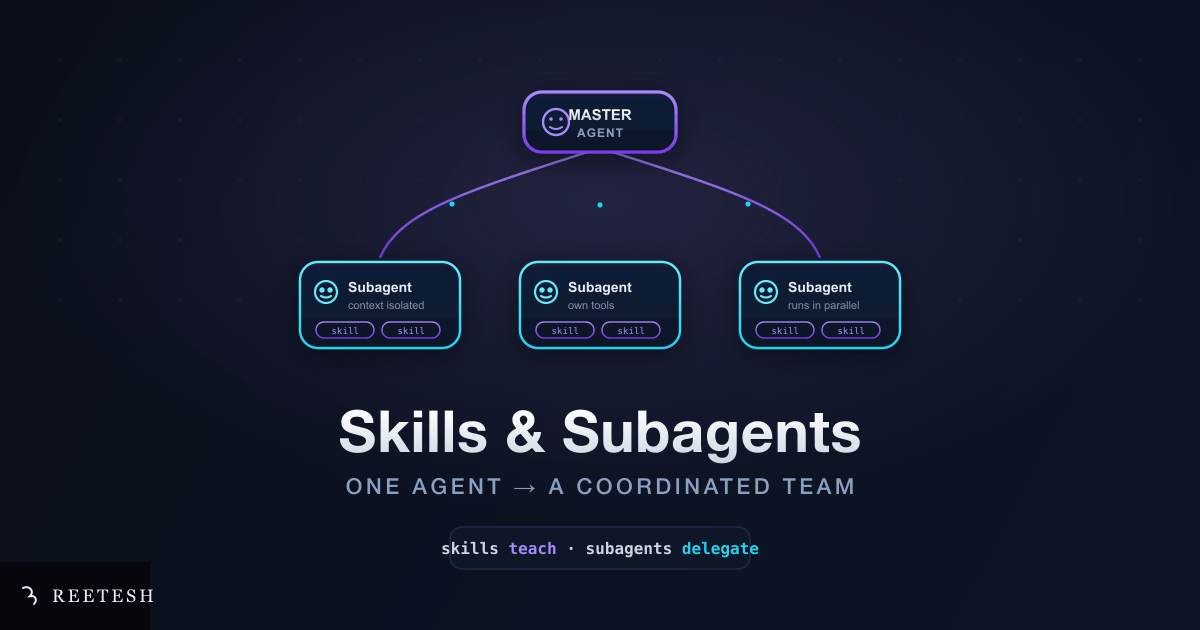 Sep 18, 202611 min read
From Solo AI to a Team: A Complete Guide to Skills, Subagents and the Master Agent
One AI agent trying to do everything hits a wall. Learn how Skills and Subagents, coordinated by a master agent, turn a single assistant into a coordinated team, and how to build your own.
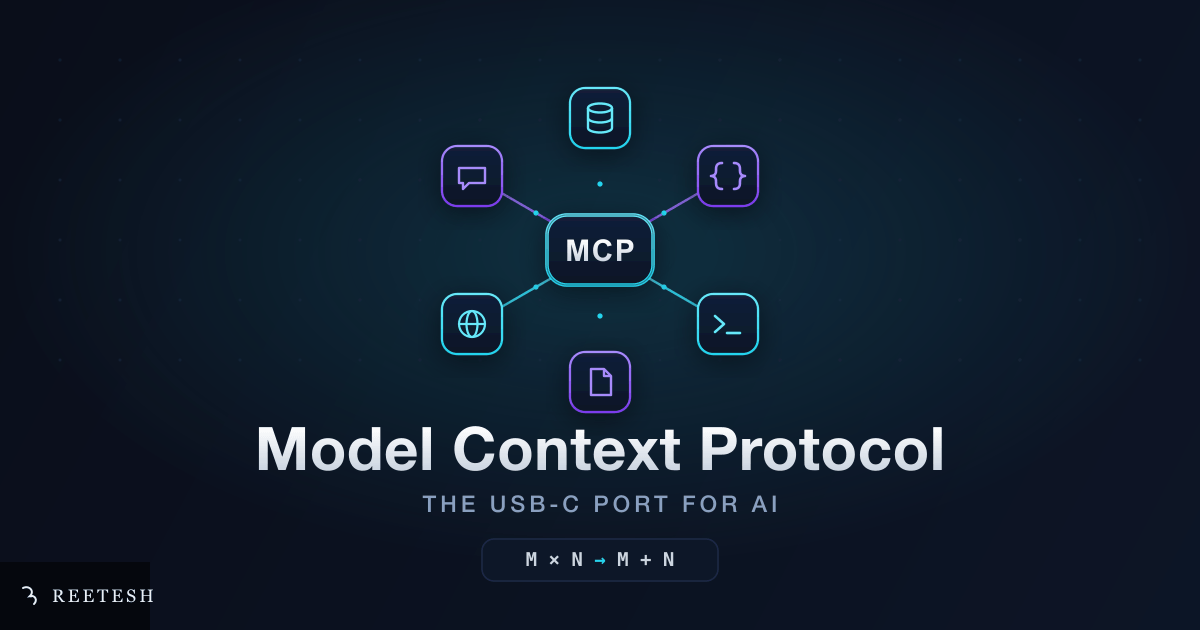 Sep 2, 202610 min read
The USB-C Moment for AI: A Developer Guide to Model Context Protocol (MCP)
Model Context Protocol (MCP) is the open standard that finally lets AI agents talk to your tools, data and APIs in one consistent way. Learn what MCP is, how it works, how to build your own server, and the security you need to think about.
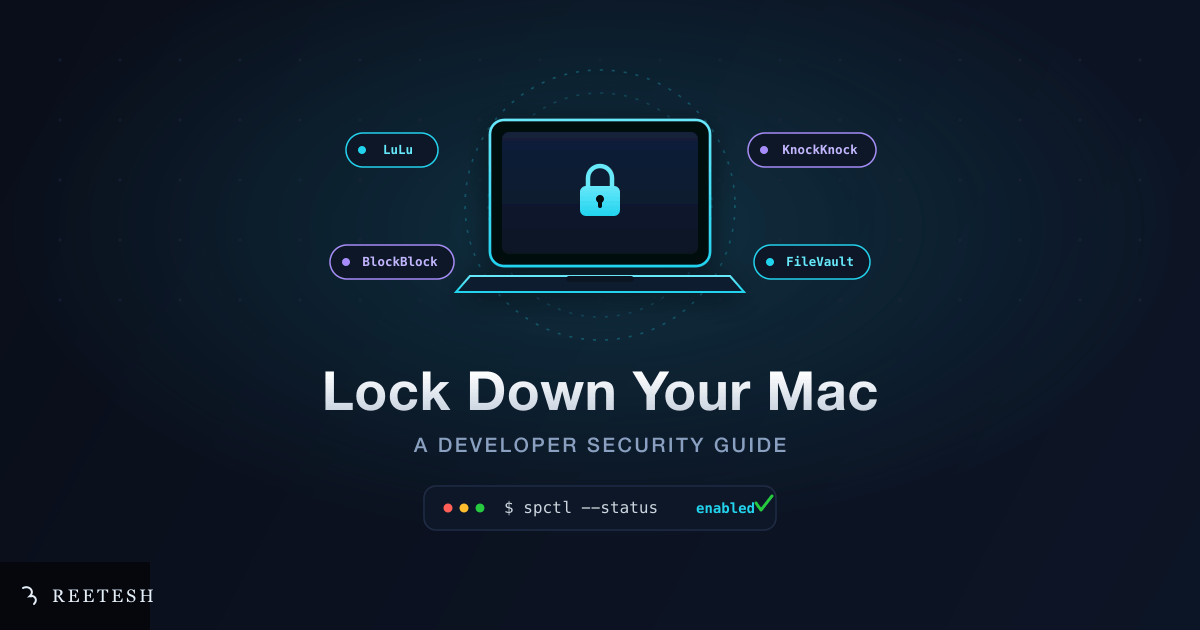 Aug 20, 20269 min read
I Got My Mac Compromised and My Wallet Drained: Here is How I Locked It Down
After my Mac got compromised, my local data wiped and my crypto wallet drained, I went deep on macOS security. This is the complete, practical hardening guide I wish I had followed first: built-in settings, the free Objective-See tools, verification commands, and wallet safety.
Comments (0)