Agentic Coding: Why AI-Powered Development is the Present and Future
Jan 24, 2026
0
Let me start with a confession: I was skeptical about AI coding assistants. "It will never understand my codebase," I thought. "It will just generate buggy code that I'll have to fix anyway." Fast forward to today, and I'm writing this blog while an AI agent handles a refactoring task in another tab. The irony isn't lost on me.
Agentic coding isn't just another buzzword to add to your LinkedIn bio. It's a fundamental shift in how we approach software development. And if you're not already exploring it, you're leaving a lot of productivity (and sanity) on the table.
What Exactly is Agentic Coding?#
Before we dive deep, let's get our definitions straight. Agentic coding refers to using AI agents that can autonomously perform coding tasks - not just autocomplete your code, but actually understand context, make decisions, execute multi-step operations, and interact with your development environment.
Think of it as the difference between a GPS that suggests "turn left" versus a self-driving car that actually navigates for you. Traditional code completion tools are the GPS. Agentic AI is the self-driving car (minus the occasional existential crisis about whether it should run over a trolley problem).
The key characteristics that make coding "agentic":
- Autonomous execution: The AI can perform tasks without step-by-step human guidance
- Context awareness: It understands your entire codebase, not just the current file
- Tool usage: It can read files, write code, run commands, search the web, and more
- Multi-step reasoning: It can break down complex tasks and execute them sequentially
- Self-correction: It can identify errors and fix them without explicit instruction
Why Agentic Coding is Already the Present#
Here's a reality check: while we debate whether AI will replace developers (spoiler: it won't), companies are already shipping products built with significant AI assistance. The developers who embraced these tools aren't worried about job security - they're too busy shipping features at 3x their previous pace.
The Numbers Don't Lie
Studies show developers using AI coding assistants report 30-50% productivity gains on average. But here's what's more interesting - the gains aren't uniform. Developers who learn to use these tools effectively see even higher improvements, while those who fight against them or use them poorly might actually slow down.
The Shift in Developer Role
The role of a developer is evolving from "person who writes code" to "person who directs and validates code creation." This isn't a downgrade - it's an upgrade. You're becoming an architect and quality controller rather than a construction worker.
I know what you're thinking: "But I like writing code!" Me too. The good news is you still get to write code. You just get to skip the boring parts - the boilerplate, the repetitive patterns, the "I've written this same CRUD operation 47 times" moments.
Best Practices for Agentic Coding#
Alright, let's get practical. Here's how to actually use agentic coding effectively without turning your codebase into a dumpster fire.
1. Be Specific with Your Prompts
The quality of AI output is directly proportional to the quality of your input. "Make this better" will give you mediocre results. Instead, try:
Refactor this function to:
- Use early returns instead of nested conditionals
- Add TypeScript types for all parameters
- Handle the edge case where userId is undefined
- Follow the existing naming conventions in this codebase
The more context and constraints you provide, the better the output. Think of it like delegating to a very capable junior developer who happens to have read every programming book ever written but doesn't know your specific project conventions.
2. Start Small, Then Scale
Don't ask the AI to "build me a complete authentication system" on your first try. Start with smaller, well-defined tasks:
- Write unit tests for this function
- Add error handling to this API call
- Create a TypeScript interface based on this JSON response
- Refactor this component to use hooks instead of class syntax
As you build trust (and learn the AI's strengths and weaknesses), you can gradually increase the complexity of your requests.
3. Provide Context Generously
AI agents work better with context. If you're working on a specific feature, explain:
- What the feature is supposed to do
- How it fits into the larger system
- Any constraints or requirements
- Examples of similar patterns in your codebase
I'm building a notification system for our e-commerce app. Users should
receive notifications when their order status changes. We're using
React Query for server state and Zustand for client state (see
/lib/stores for examples). Follow the existing notification patterns
in /components/notifications.
4. Use Task Decomposition
For complex features, break them down into smaller tasks. This gives you checkpoints to review and course-correct:
- Create the data model/types
- Build the API layer
- Create the UI components
- Add state management
- Write tests
- Add error handling
Each step can be reviewed before moving to the next. This prevents the "I let the AI run for 20 minutes and now I have 47 files I don't understand" scenario.
5. Maintain Your Coding Standards
AI doesn't automatically know your team's conventions unless you tell it. Create rules or documentation that specify:
- File naming conventions
- Code style preferences
- Architecture patterns you follow
- Libraries and tools you prefer (or avoid)
Many AI coding tools allow you to create persistent rules that apply to all generations. Use them.
When to Use Agentic Coding (And When Not To)#
Not every task is ideal for AI assistance. Here's a practical guide:
1. Great Use Cases
| Task | Why It Works |
|---|---|
| Boilerplate code | AI excels at repetitive patterns |
| Test writing | Given a function, generating tests is straightforward |
| Code refactoring | Following established patterns with clear rules |
| Documentation | Summarizing and explaining existing code |
| Bug fixes | With clear error messages and context |
| Learning new frameworks | AI can explain and demonstrate patterns |
| Code translation | Converting between languages or frameworks |
2. Proceed with Caution
| Task | Why It's Tricky |
|---|---|
| Complex business logic | AI might not understand domain nuances |
| Security-critical code | Always requires human expert review |
| Performance optimization | Needs deep understanding of your specific constraints |
| System architecture | AI can suggest, but decisions need human judgment |
3. Probably Do It Yourself
| Task | Why |
|---|---|
| Novel algorithm design | Requires creative problem-solving AI isn't great at yet |
| Debugging production issues | Needs context AI doesn't have access to |
| Code that requires deep institutional knowledge | Historical decisions and reasons matter |
How to Review AI-Generated Code#
This is where many developers get it wrong. They either rubber-stamp everything (dangerous) or reject everything (wasteful). Here's a balanced approach:
The Review Checklist#
1. Does it actually work?
Run it. Test it. Don't assume correctness just because the code looks clean. AI can generate beautifully formatted code that doesn't do what you asked.
2. Does it fit your codebase?
- Does it follow your naming conventions?
- Does it use the libraries/patterns your team prefers?
- Does it match the style of surrounding code?
3. Is it maintainable?
- Can you understand what it does 6 months from now?
- Are there magic numbers or unclear variable names?
- Is it appropriately documented?
4. Edge cases and error handling
AI often generates happy-path code. Look specifically for:
- What happens with null/undefined inputs?
- How does it handle network failures?
- Are there race conditions in async code?
5. Security considerations
- Is user input validated?
- Are there SQL injection or XSS vulnerabilities?
- Are secrets handled appropriately?
6. Performance implications
- Any unnecessary iterations or duplicated work?
- Appropriate data structures for the use case?
- Memory leaks in long-running processes?
The 30-Second Scan Technique#
For smaller code generations, I use a quick scan technique:
- 5 seconds: Does the structure look right?
- 10 seconds: Read the key logic paths
- 10 seconds: Check edge case handling
- 5 seconds: Look for obvious anti-patterns
If anything feels off during this scan, dig deeper. If it passes the scan, run your tests and move on.
Common Pitfalls to Avoid#
Learn from my mistakes (and the mistakes of everyone who came before us):
1. The Copy-Paste Trap
Just because AI generated it doesn't mean you shouldn't understand it. If you can't explain what the code does, don't commit it.
2. Over-reliance Syndrome
If you stop thinking critically because "the AI probably knows better," you've gone too far. Your domain knowledge and judgment are still essential.
3. The Context Switch Tax
Constantly switching between AI-assisted and manual coding can be mentally taxing. Find a rhythm that works for you - maybe AI for new features, manual for bug fixes, or whatever pattern fits your brain.
4. Ignoring the Learning Opportunity
When AI generates a pattern you don't recognize, take a minute to understand it. You might learn something new. Or you might realize the AI hallucinated a non-existent API.
5. Not Providing Feedback
Most AI tools learn from your corrections. If you consistently fix the same type of error, provide explicit feedback or update your rules to prevent it in the future.
The Future We're Building Towards#
Here's where I put on my prediction hat (which, full disclosure, has a mixed track record):
Near future (1-2 years):
- AI agents that can maintain context across entire projects
- Better understanding of runtime behavior and debugging
- Integration with more development tools (CI/CD, monitoring, etc.)
Medium term (3-5 years):
- AI that can propose and implement architectural improvements
- Seamless multi-agent collaboration on complex systems
- Natural language as a viable programming interface for many tasks
The eventual destination:
- Developers focusing almost entirely on "what" rather than "how"
- AI handling implementation details while humans handle requirements and design
- New roles emerging that we haven't even imagined yet
But here's the thing: the future isn't just something that happens to us. We're building it right now, one commit at a time. The developers who learn to work effectively with AI agents today will be the ones shaping how these tools evolve.
Conclusion#
Agentic coding isn't about replacing developers - it's about amplifying what we can do. It's about spending less time on the mundane and more time on the meaningful. It's about shipping faster without sacrificing quality (okay, maybe while improving quality).
The best advice I can give is to start experimenting today. Pick a small task, try an AI coding assistant, see what works, learn from what doesn't. The learning curve is real, but so are the rewards.
And remember: every developer who's ever been good at their job has had to adapt to new tools and paradigms. This is just the latest chapter in that ongoing story. The difference is, this time, you might have an AI helping you write it.
Now if you'll excuse me, I need to go review some code that my AI agent just finished generating. Wish me luck.
Happy Coding! 🚀
Keep Reading
Related Posts
 May 10, 202411 min read
Authentication using Auth.js v5 and Drizzle for Next.js App Router
Learn to use Auth.js v5 with Drizzle for secure user authentication in a Next.js application, utilizing NeonDatabase.
 Feb 10, 20266 min read
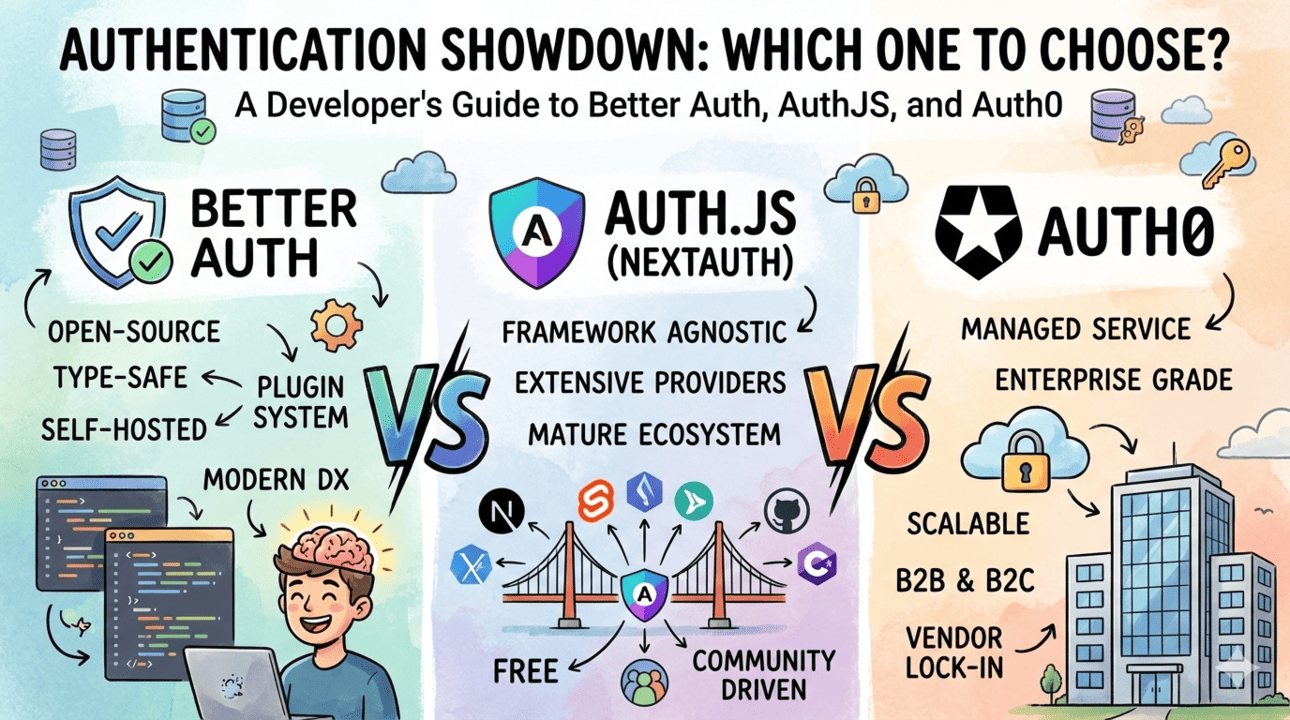
Better Auth vs Auth.js vs Auth0: Which One Should You Choose?
A clear comparison of Better Auth, Auth.js, and Auth0. Learn the benefits of each, when to use which, and how they differ in pricing, control, and developer experience.
 Jan 31, 20267 min read
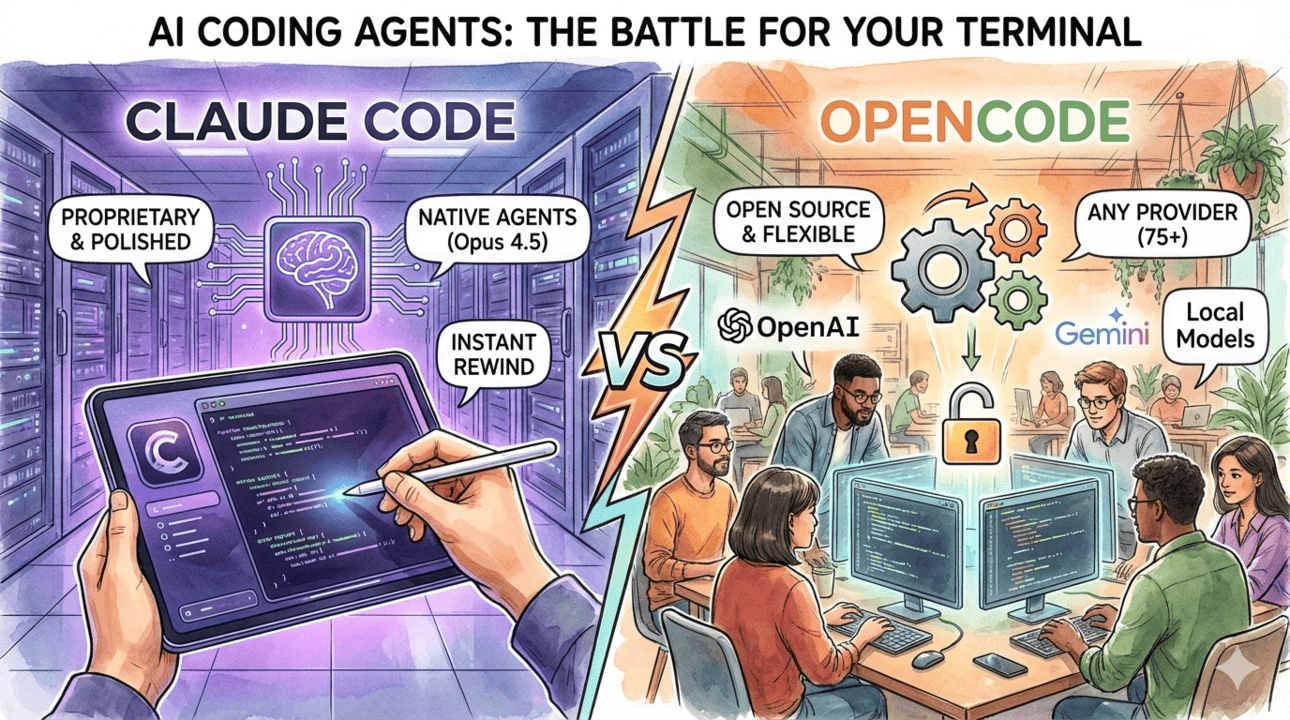
Claude Code vs OpenCode - Which AI Coding Assistant Should You Use?
A detailed comparison between Claude Code and OpenCode - two powerful AI coding assistants. Learn which one fits your workflow, budget, and development needs.
Comments (1)