A single AI agent trying to do everything is like a one-person startup. It works, right up until it doesn't. You pile on more tools, more instructions, more context, and at some point the thing that made it feel magical starts to buckle under its own weight.
There are really two walls a solo agent hits. The first is a bloated context window, everything you cram in (every instruction, every tool, every stray file) competes for the model's attention, and quality drops. The second is shallow expertise, an agent told to be a great frontend dev and a security auditor and a database expert ends up being a jack of all trades and master of none.
The fix is the same one humans figured out centuries ago: specialisation and delegation. In the agent world, that shows up as two building blocks, Skills and Subagents, coordinated by a master agent. Get these three ideas straight and you go from one overwhelmed assistant to a coordinated team.
The One-Line Distinction You Must Get Right#
People mix these up constantly, so let's nail it down before anything else:
- A Skill is knowledge you hand an agent, a packaged set of instructions (and optionally scripts or reference files) that it loads when a task calls for it. Same agent, same conversation, just better informed.
- A Subagent is a separate agent you delegate to, with its own context window, its own tools, and its own system prompt. A different worker entirely, which does a job and reports back a result.
Here is the sentence to remember:
Skills teach. Subagents delegate. Skills expand what an agent knows; subagents expand who does the work.
That single distinction resolves 90% of the confusion. If you find yourself thinking "I need the agent to know how to do X", that's a skill. If you're thinking "I need something else to go do X so it doesn't clog up my main thread", that's a subagent.
Skills: Giving an Agent New Knowledge#
A skill is a small, self-contained package of instructions. In practice it's a folder with a SKILL.md file, some frontmatter describing what it is, and a body telling the agent how to do the thing.
---
name: pdf-forms
description: Fill and extract data from PDF form fields. Use whenever the task
  involves reading values from or writing values into a PDF form.
---

## Filling a PDF form

1. Load the PDF and enumerate its form fields.
2. Map the user's data to field names (case-insensitive).
3. Write the values and flatten the form so it can't be edited.

Use the helper script in `./scripts/fill.py` for the heavy lifting.
The clever part is progressive disclosure. The agent does not load every skill's full instructions all the time, that would blow up the context window and defeat the purpose. Instead it only ever sees the name and description of each skill. When a task matches that description, then it pulls in the full SKILL.md. And if the skill references extra files or scripts, those load only when actually needed.
So a skill is perfect when you have a repeatable procedure you want the agent to follow consistently, your deployment steps, a code-review checklist, a house style for writing, a tricky API's quirks. You teach it once, and the agent applies it every time the situation comes up, without you re-explaining.
Subagents: Delegating to a Specialist#
A subagent is a whole separate agent. In the Claude Code convention it's a markdown file in .claude/agents/, with frontmatter that defines its identity and a body that is its system prompt.
---
name: security-reviewer
description: Reviews a diff for security vulnerabilities. Use after writing
  auth, input handling, or anything that touches secrets or user data.
tools: Read, Grep, Bash
model: sonnet
---

You are a focused security reviewer. Given a set of changes, hunt for:
injection (SQL, command, prompt), broken auth or access control, secret
leakage, and unsafe deserialization. Report each finding with the file,
the line, and a concrete exploit scenario. Do not comment on style.
Two things make subagents powerful, and they're worth understanding deeply.
1. Context isolation. The subagent runs in its own context window. It can read fifty files, run ten commands, and generate pages of noisy intermediate output, and none of that pollutes your main conversation. Only its final, distilled result comes back. This is huge for keeping the master agent's context clean and its reasoning sharp.
2. Specialisation. Because it has its own system prompt, tools and even model, a subagent can be genuinely expert at one thing. You can give a cheap, fast model to a simple search agent and a powerful model to a deep-reasoning reviewer, each scoped to exactly the tools it needs and nothing more.
The Master Agent: Orchestrating the Team#
So who's in charge? The master agent (the orchestrator) is the one you actually talk to. Its job isn't to do all the work itself, it's to plan the work, delegate the pieces, and stitch the results back together.
A typical flow looks like this:
- You give the master agent a big task: "add rate limiting to the API and make sure it's secure."
- It plans: implement the middleware, then review it.
- It delegates: it writes the code itself, then hands the diff to the
security-reviewersubagent. - It collects: the subagent returns a short list of findings.
- It integrates: the master applies the fixes and reports back to you.
There are a few orchestration patterns worth knowing:
- Sequential pipeline — do A, then feed the result into B, then C. Great for build → test → review flows.
- Parallel fan-out — spin up several subagents at once to explore different parts of a codebase or research multiple angles, then merge their answers. This is where you feel a real speed-up.
- Orchestrator-worker — the master breaks a fuzzy goal into concrete subtasks and farms them out to workers, exactly how a tech lead splits work across a team.
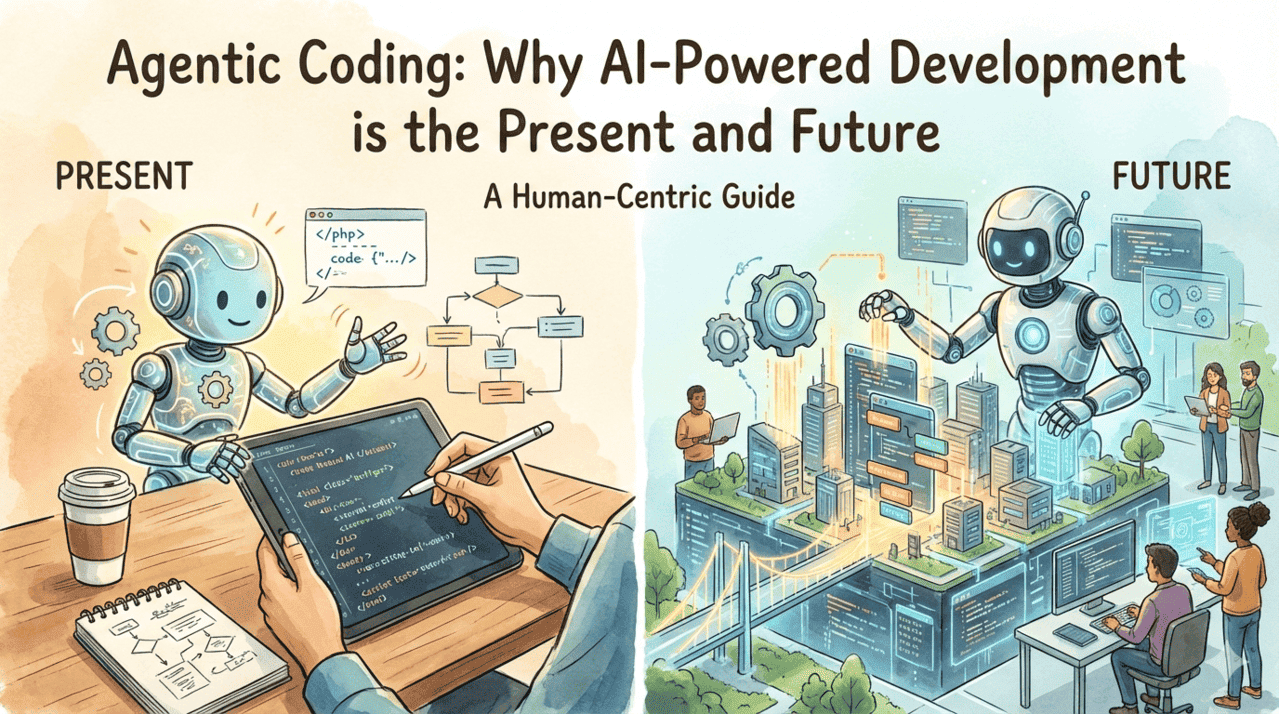
Agentic Coding: Why AI-Powered Development is the Present and Future
Agentic coding is transforming how developers write software. Learn why it is the future, best practices for using AI agents, and how to efficiently review and collaborate with AI-powered development tools.
 Read Full Post
Skills or Subagents? A Simple Decision Guide#
They're not competitors, they solve different problems. Here's how I decide:
- Reach for a Skill when you have a procedure or knowledge you want applied consistently and in-place: a checklist, a style guide, an API's gotchas, your deploy steps. Low overhead, same context.
- Reach for a Subagent when you need isolation (heavy, noisy work you don't want in the main thread), parallelism (fan out and merge), specialisation (a different system prompt or model), or least-privilege tool scoping.
And the best part, they compose. A subagent can itself use skills. Your security-reviewer subagent can load a "OWASP checklist" skill. You get an isolated specialist that's also armed with your exact procedure. That combination is where agent systems start to feel less like a chatbot and more like a team.
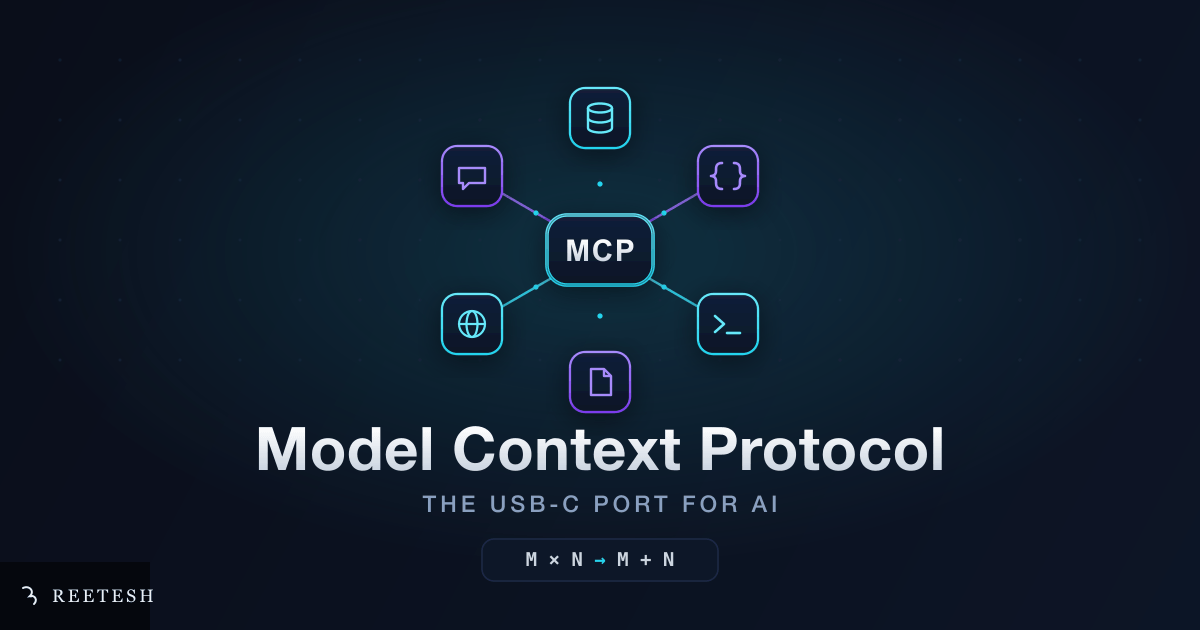
The USB-C Moment for AI: A Developer Guide to Model Context Protocol (MCP)
Model Context Protocol (MCP) is the open standard that finally lets AI agents talk to your tools, data and APIs in one consistent way. Learn what MCP is, how it works, how to build your own server, and the security you need to think about.
 Read Full Post
Building Your Own: Practical Tips and Gotchas#
Creating a skill or subagent is easy. Creating a good one takes a little discipline:
- The description is everything. For both skills and subagents, the model routes on the
description. "Reviews code" is useless. "Use after writing auth or input handling to find security bugs" tells the model exactly when to invoke it. Write triggers, not summaries. - Single responsibility. A subagent that does "everything backend" is just your bloated solo agent again. Keep each one sharp and narrow. Many small specialists beat one giant generalist.
- Least-privilege tools. Only give a subagent the tools it actually needs. A read-only reviewer shouldn't be able to write files. A researcher doesn't need shell access.
- Don't over-delegate. Delegation has a cost, spinning up a subagent, passing context, waiting for a result. For a two-line task, just do it inline. Reserve subagents for work that's genuinely big, parallel, or worth isolating.
- Test in isolation. Invoke a new subagent directly with a representative task before you trust the orchestrator to call it. Same with skills, make sure the description actually triggers when you expect.
Don't Forget the Security Side#
More capability means more blast radius, and this is exactly where teams get careless. A few things to keep in mind:
- A skill is instructions you're trusting. A third-party skill can tell your agent to do things you didn't intend, exfiltrate a file, run a shady script it bundles. Review skills you didn't write with the same suspicion you'd give an npm dependency.
- A subagent inherits real power. One with broad tools and a powerful model can do real damage if it goes off the rails or gets manipulated. Scope tools tightly and keep a human in the loop for destructive actions.
- Prompt injection still applies. If a subagent reads untrusted content (a web page, an issue, a file), that content can carry instructions. Treat tool output as data, never as commands, at every level of your agent hierarchy.
If you take agent tooling seriously, this mindset isn't optional, it's the same supply-chain discipline that keeps your whole stack safe.
One npm install Away from Disaster: A Developer Guide to Supply Chain Attacks
Supply chain attacks are exploding in the age of AI agentic tooling. Learn how a single compromised npm package can drain your crypto wallet or wipe your machine, and the exact configs and best practices every developer needs to install packages safely.
 Read Full Post
Conclusion#
The leap from a single AI assistant to a coordinated system isn't about a bigger model or a cleverer prompt. It's about structure. Skills give an agent deep, reusable knowledge without drowning it in context. Subagents give you isolated, specialised workers you can delegate to and even run in parallel. And the master agent ties it all together, planning, delegating, and integrating, exactly like a good tech lead running a team.
Start small and let it grow with your needs. Write one skill for a procedure you keep re-explaining. Build one subagent for a job that keeps cluttering your main thread. Feel the difference, then add more only when a real bottleneck asks for it. Resist the urge to build an elaborate swarm on day one, complexity you don't need is just a new place for things to break.
Do it well and you stop babysitting a single overloaded assistant and start directing a team that actually scales with the problem. That shift, from doing to directing, is the whole game.
If this helped or you've built an agent setup you're proud of, drop a comment below. Happy building! 🤖🚀
Comments (0)