Ask any AI coding assistant to "build me a dashboard" and watch what it reaches for. Nine times out of ten, it hands you Tailwind CSS for the styling and shadcn/ui for the components. Cursor does it, Claude does it, v0 practically only does it. It is so consistent it almost feels like a default.
It is not a coincidence, and it is not because someone told the models to. This stack just happens to fit the way an LLM thinks about code almost perfectly. Once you see why, you understand a lot about how to build UIs that are pleasant for both humans and machines to work on.
Let's break it down.
1. The Styles Live Where the Model Is Already Looking#
Traditional CSS splits a component across two places: the markup in one file, the styles in another. To style a button, the model has to write JSX here, invent a class name, then jump to a stylesheet there and define it, all while keeping the two in sync and not colliding with the hundred other class names already in the file.
Tailwind collapses that into one place:
// Everything about this button is right here. No second file.
<button className="rounded-lg bg-black px-4 py-2 text-white hover:bg-gray-800">
  Save changes
</button>
For an LLM, this is enormous. It generates one file, top to bottom, with all the information it needs in view. No context-switching, no cross-file bookkeeping, no "did I already use .btn-primary somewhere?". The appearance of an element is local to that element, exactly the kind of self-contained reasoning models do best.
It is refactor-safe too. Delete the element, and its styles go with it, there is no orphaned CSS rotting in a stylesheet somewhere. The model never has to hunt down dead styles it wrote three components ago.
2. A Small, Constrained Vocabulary the Model Already Knows#
Plain CSS is infinite. There are a dozen ways to center a div, endless px values, and no guardrails. That freedom is a nightmare for a probabilistic model, more ways to say the same thing means more chances to be inconsistent or just wrong.
Tailwind replaces that infinite space with a finite, documented vocabulary: flex, gap-2, p-4, text-sm, rounded-lg. It is a design system disguised as class names, a fixed spacing scale, a fixed color palette, a known set of utilities.
That constraint is a gift to an LLM for two reasons:
- No naming problem. Naming things is famously one of the two hard problems in computer science, and it is genuinely hard for models too, they produce inconsistent, made-up class names. Tailwind deletes the problem entirely. There are no names to invent.
- Deterministic tokens.
p-4always means the same thing. The model isn't guessing whetherpadding: 16pxorpadding: 1remor a custom variable is "right", it reaches for the one canonical utility it has seen a million times.
3. The Model Has Read a Mountain of It#
LLMs are, at heart, pattern machines trained on public code. And Tailwind is everywhere in that code, it exploded in popularity, and GitHub is saturated with Tailwind markup. shadcn/ui is right there with it, one of the most-copied component collections of the last few years.
That means the model isn't reasoning about Tailwind from first principles, it has seen the exact patterns thousands of times. flex items-center justify-between isn't a guess, it is a phrase the model has effectively memorised. Fluency comes from exposure, and few frontend tools have more exposure in training data than these two.
This is a quiet but massive advantage. A more "elegant" but obscure styling approach would leave the model guessing. Tailwind lets it recall.
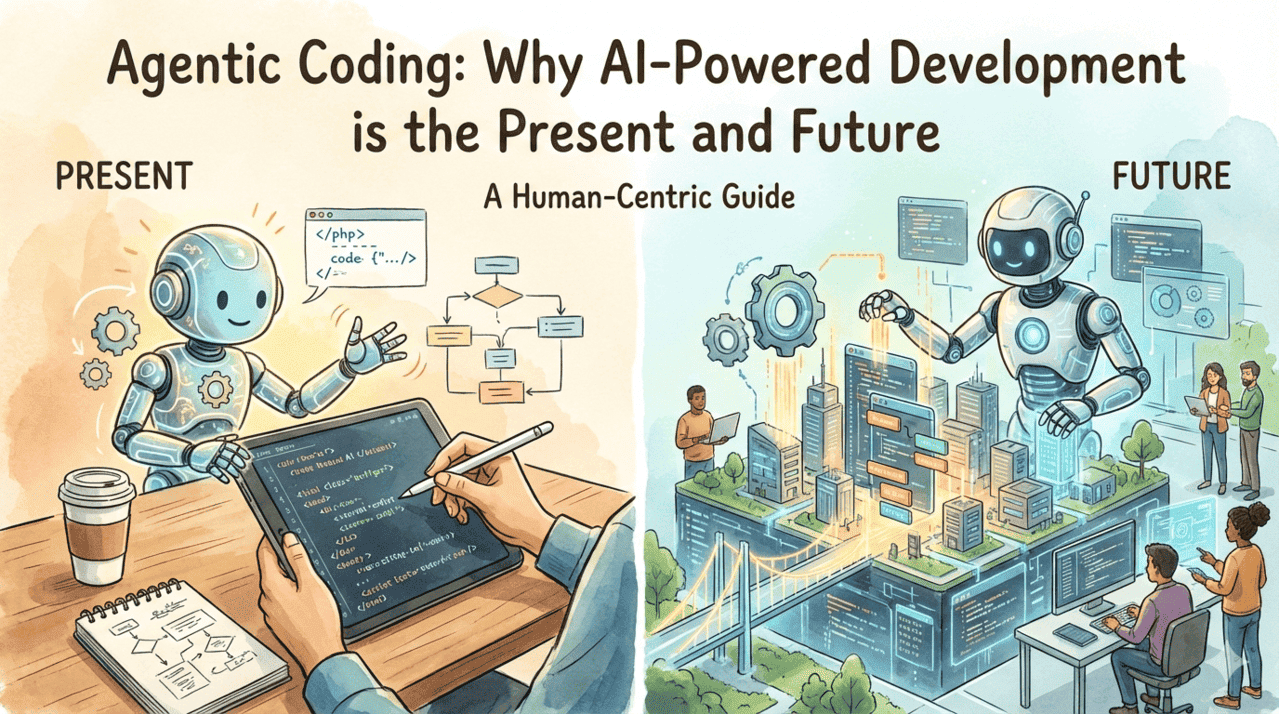
Agentic Coding: Why AI-Powered Development is the Present and Future
Agentic coding is transforming how developers write software. Learn why it is the future, best practices for using AI agents, and how to efficiently review and collaborate with AI-powered development tools.
 Read Full Post
4. shadcn/ui: You Own the Code, So the AI Can Read and Rewrite It#
Here is where shadcn/ui does something clever that most component libraries don't. It is not an npm dependency you install and import from a black box. Instead, you copy the component's source directly into your own project, into a file like components/ui/button.tsx.
// It's just your code now. Plain React + Tailwind + Radix underneath.
import { Button } from '@/components/ui/button';

<Button variant="outline" size="sm">
  Save
</Button>;
Think about what this means for an AI agent. With a normal library, the component is opaque, the model can only use the public API and hope it guessed the props right. With shadcn, the component's actual source lives in your repo, so the agent can:
- Read it to know exactly what variants and props exist, no guessing.
- Rewrite it to add a variant, tweak a style, or fix a bug, directly, because it is just React and Tailwind, not a compiled dependency.
The AI is never fighting an opaque abstraction. Everything is in-context, in a language it is fluent in. That is a fundamentally more agent-friendly model of "using a library."
5. Predictable, Composable, Accessible Primitives#
shadcn components share a consistent, predictable API, variant, size, asChild, sensible composition. Once the model has seen one shadcn component, it can reason about all of them. <Button variant="outline"> and <Badge variant="secondary"> follow the same grammar, so the AI composes whole interfaces reliably instead of reinventing each piece.
And because they're built on Radix primitives, accessibility, keyboard handling, focus management, and ARIA come baked in. The AI gets correct, accessible behaviour essentially for free, without having to reason through the fiddly a11y details that models (and humans) so often get wrong.
6. The Feedback Loop Made It the Default#
There is a self-reinforcing loop here too. Tools like v0 were built to generate Tailwind and shadcn because it is the sweet spot, and every UI they produce becomes more public example code, which makes the next model even more fluent, which makes it the default choice even more often.
The result is a stack that AI reaches for not by instruction but by gravity. It is the path of least resistance and the path of highest quality at the same time, a rare combination.
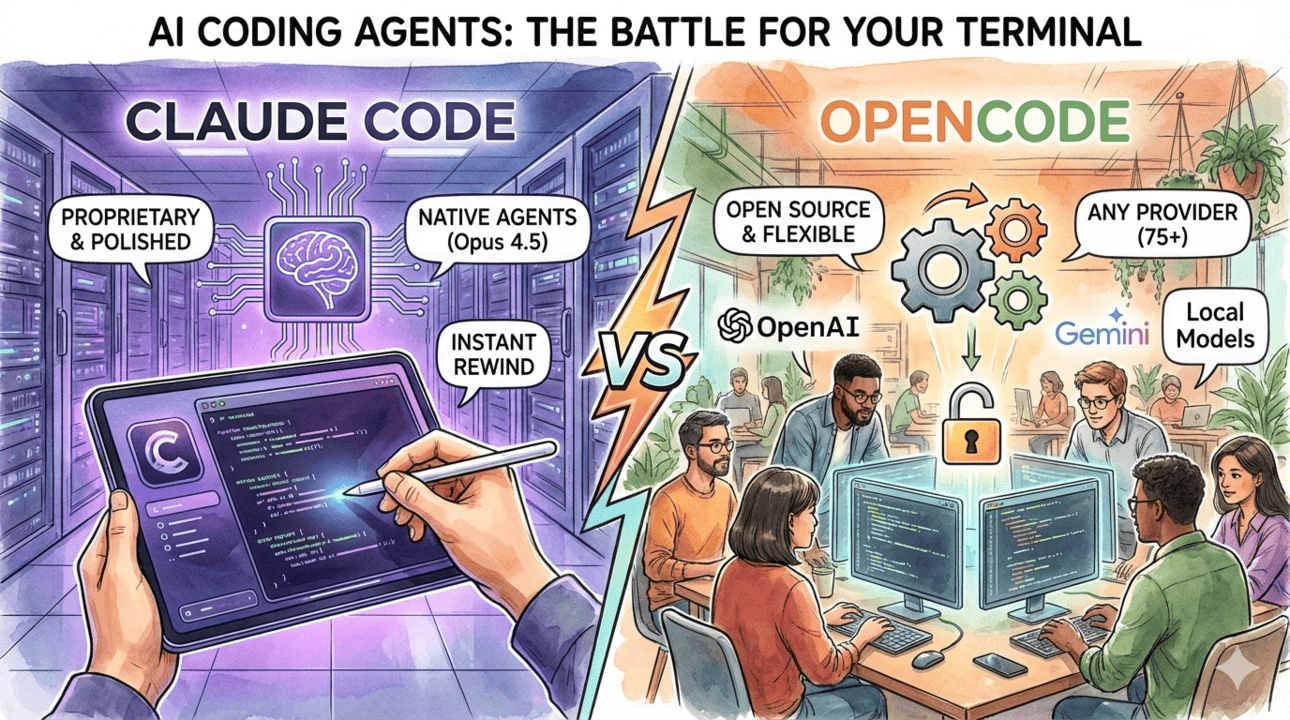
Claude Code vs OpenCode - Which AI Coding Assistant Should You Use?
A detailed comparison between Claude Code and OpenCode - two powerful AI coding assistants. Learn which one fits your workflow, budget, and development needs.
 Read Full Post
The Catch: It Isn't Magic#
I'd be doing you a disservice if I only sold the upside. A couple of honest caveats:
- Class soup is real. Tailwind markup can get long and noisy, a single element with fifteen utilities is not fun to read. AI can happily generate walls of classes. Extracting repeated patterns into components (which shadcn encourages) keeps it sane.
- Taste still matters. AI will produce a working, consistent UI, but "consistent" is not the same as "beautiful." The model gives you a solid, on-system starting point; the spark, the layout that surprises, the details that delight, still comes from you.
So treat AI-plus-this-stack as a phenomenal accelerator, not an autopilot. It gets you 80% of a clean, accessible UI in seconds. The last 20%, the part that makes people go "whoa", is still yours.
Conclusion#
AI loves Tailwind and shadcn/ui because they are built, almost accidentally, around the same things that make an LLM effective: everything in one place, a small and familiar vocabulary, no names to invent, and code the model can actually see and edit. Tailwind removes the friction of styling; shadcn removes the opacity of component libraries. Together they turn UI generation from a guessing game into pattern-matching, which is precisely what these models are best at.
If you're building anything you want an AI to help you maintain, this stack is a genuinely smart bet, not because it's trendy, but because it plays to the strengths of the tools you'll increasingly be building with. And honestly? The same qualities that make it AI-friendly, locality, constraints, ownership, make it pretty pleasant for humans too.
If this resonated, or you have thoughts on where AI-generated UI is headed, drop a comment below. Happy building! 🎨🚀
Comments (0)